01
CAPTURE
Four capture modes
Region, fullscreen, delayed, and browser scroll capture — all reachable from a single tray icon. On multi-monitor setups, the display containing the cursor is targeted automatically.
Region capture
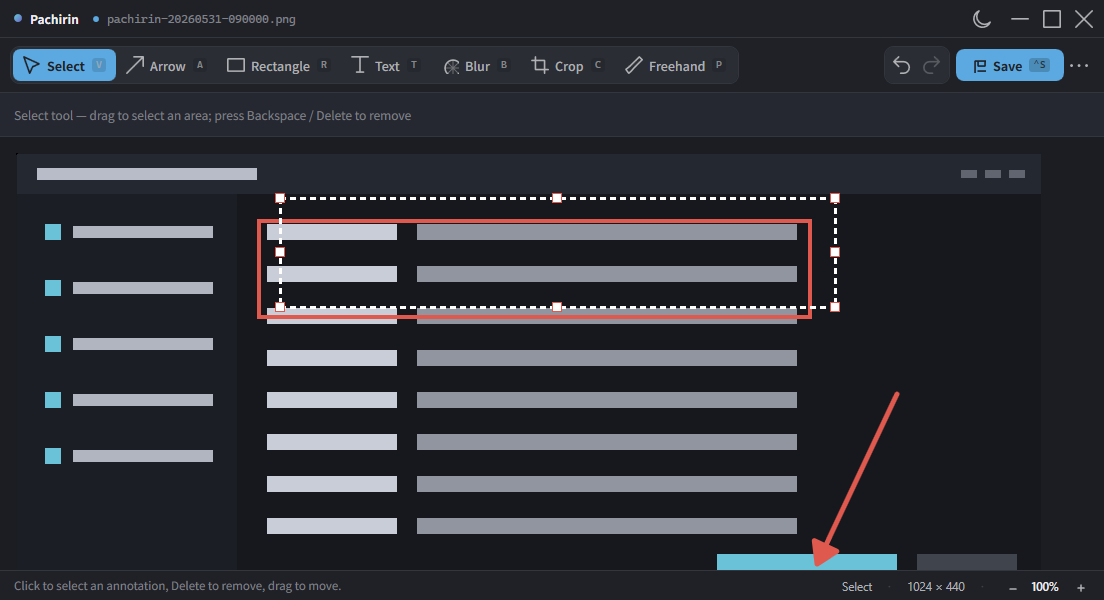
Drag with the mouse to crop and capture any rectangular area you want.
Fullscreen
Capture the current monitor on its own, or stitch multiple monitors together into a single image.
Delayed capture
Capture after a 3, 5, or 10 second delay. Handy for UI like dropdown menus that disappear the moment you interact with them.
Browser scroll capture
Launch Chrome or Edge in a dedicated mode and stitch an entire page into one cleanly composed tall image.
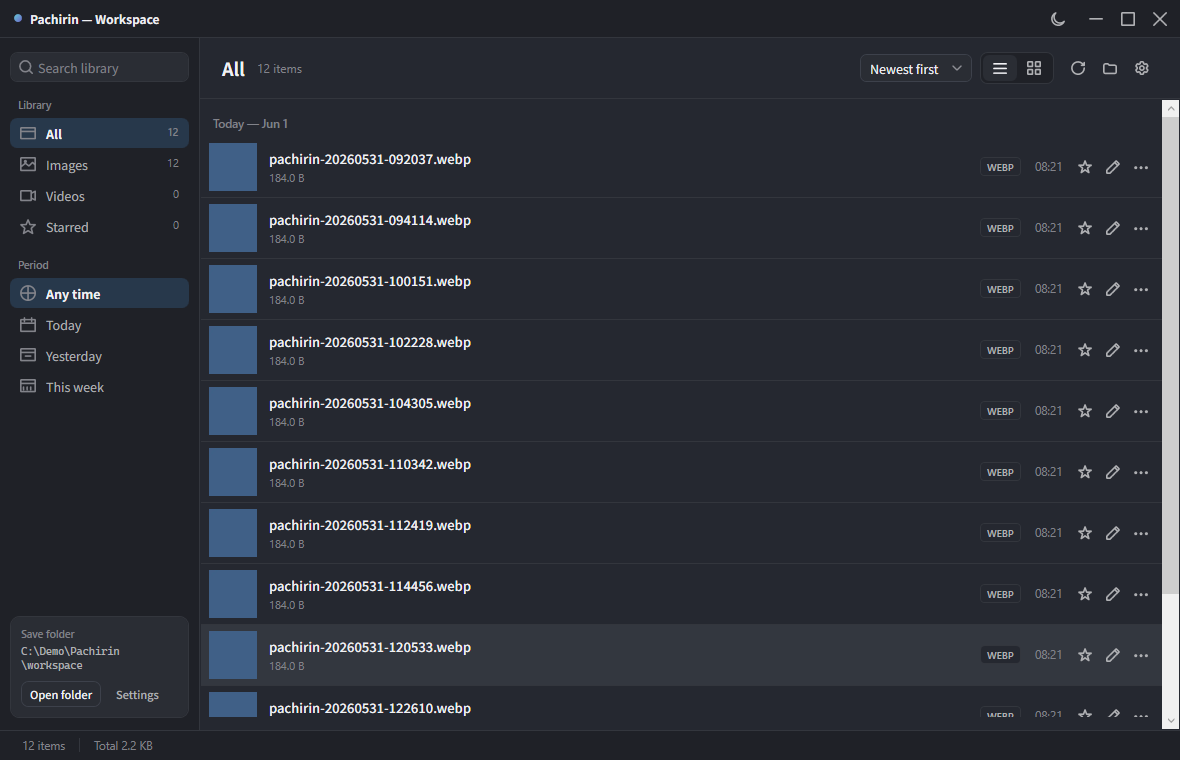
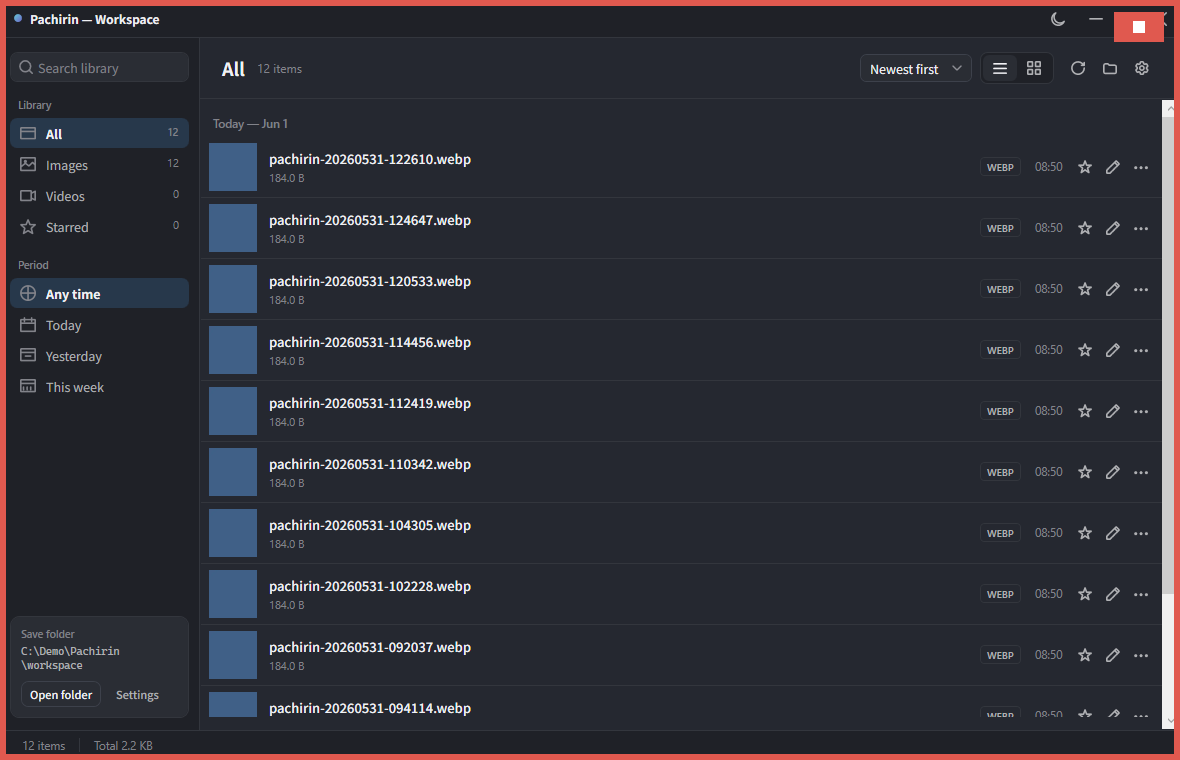
Browse past screenshots as thumbnails or a list. Supports starring, image/video filters, and grouping by Today, Yesterday, and This Week.